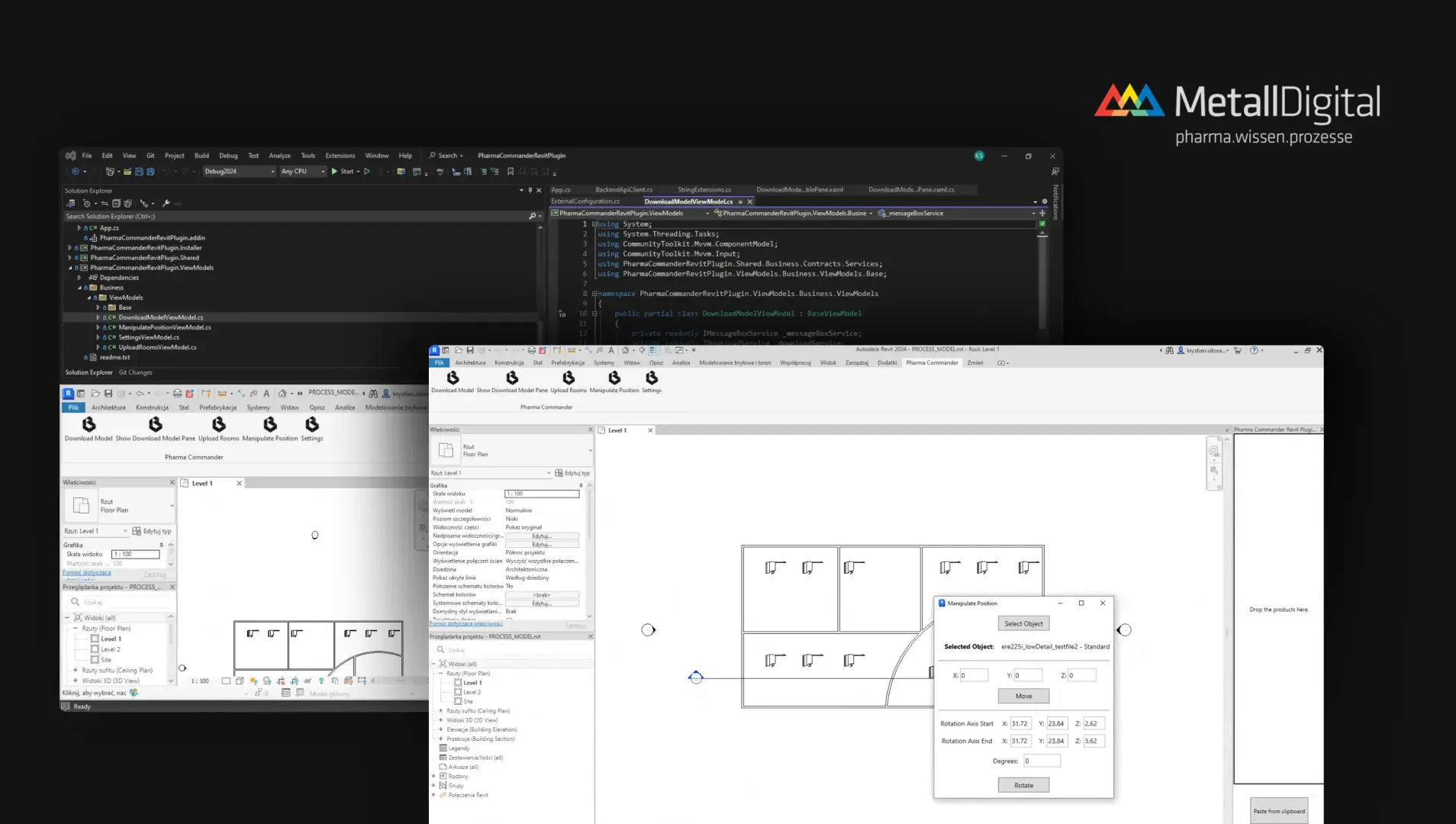
Development of Revit Plugin for OBO Betterman
Architecture and Construction

.webp)
Technologies: C#, WPF, Revit API

Uponor is a global manufacturer of installation systems for the construction industry. The company wanted to increase the use of its products in BIM projects, reaching designers directly and making it easier for them to choose solutions already at the modeling stage.
.gif)
Complexity of the product offer
Uponor products function as components of larger installation systems, which made it difficult to use them correctly in projects. The company wanted to facilitate their use in projects, so that architects more often choose its solutions.
High load of technical support
Designers often contacted the support department to select the right components for the installation systems. This generated additional operating costs on the manufacturer side and lengthened the design process.
Dedicated BIM plugin for Revit
We have created a proprietary plugin for Autodesk Revit, which integrates directly with the client's BIM library. Allows you to quickly select by parameters (such as country, language, installation type), embed components in the model, and add them to the cart for easy management and scheduling.
Intelligent connection of components
The automatic joining of components function allows the user to select elements located close to each other and connect them with one click. This significantly speeds up the modeling of the installation and eliminates errors due to manual adjustment.
Advanced filtering and selection
We have implemented a mechanism for filtering elements within the selected area of the project. The user can easily select only the categories of interest (e.g. fittings) and operate only on them.
Automated reports and analyses of installations
The plugin allows you to quickly count selected components (e.g. fittings) and calculate installation length (e.g. pipes) based on selection and filters. The function eliminates manual operations and significantly speeds up the preparation of data for valuation and planning.
Carbon footprint analysis and EPD generation
The plugin allows you to calculate the carbon footprint of the products used in the project and generate an Environmental Product Declaration (EPD) in a branded file. Thanks to this, the user quickly obtains reliable environmental data.
Bill of Materials and Waste Optimization
The tool offers the creation of BOMs with export to PDF and Excel, taking into account demand and product packaging sizes. This allows architects to reduce material redundancies and optimize the amount of waste at the stage of project implementation.
More designers using Uponor tools
Increasing the presence of products in BIM projects
Real impact on purchasing decisions already at the design stage
Create your own Revit plugin and help architects place your products in projects. Contact us and arrange a free consultation with our BIM specialist.
Book a consultation
Choose the topic you are interested in to complete the form, and our specialist will contact you within 24 business hours.
Thank you for contacting us!