BIM platform for OBO
Architecture and Construction
Marketing and Sales

Technologies: C#, WPF, Revit API

OBO Bettermann is an international manufacturer of electrical installation systems, surge protection systems and infrastructure solutions for the construction industry. The company operates globally, supplying its products to the European, Asian and American markets. The client wanted to create a dedicated plugin for Autodesk Revit, as the previous solutions did not provide architects with a convenient mechanism for using the systems.
.gif)
Inefficient Revit Families
Families (RFAs) were built in a suboptimal way, with a large number of complex formulas and dependencies. Changing one parameter caused the need to recalculate many others, which significantly slowed down the work in Revit. In practice, even simple changes made by the architect could last minutes.
Lack of library scalability
Due to the type of products sold, OBO has many different combinations of products. In the previous solution, each possible combination of systems was saved as a separate file. This led to a huge number of files and the inability to effectively manage the library. Maintaining and updating such an approach has been virtually impossible.
No product configurator
The previous plugin worked only as a BIM file viewer, without advanced product selection and filtering logic and without additional configuration improvements. In addition, each system variation was presented as a separate element, making choosing the right combination unintuitive and problematic — users had to browse through thousands of product tiles.
Dependence on an external plugin provider
Every change — even a minor one — required OBO to contact an external company. Adding a new product or editing data took a few days or more. The lack of self-reliance significantly slowed development and increased the cost of maintaining the solution.
No linkage of system parameters
Changing one parameter (e.g. cable route width) did not automatically update other product properties. In practice, this meant manual data matching and the risk of errors. The system did not reflect the actual product logic.
Creating a BOM manually
Bill of Materials (BOMs) were prepared by hand by the sales department. The process was time-consuming and prone to errors. In addition, each document required adaptation to company standards and branding.
Revit Plugin
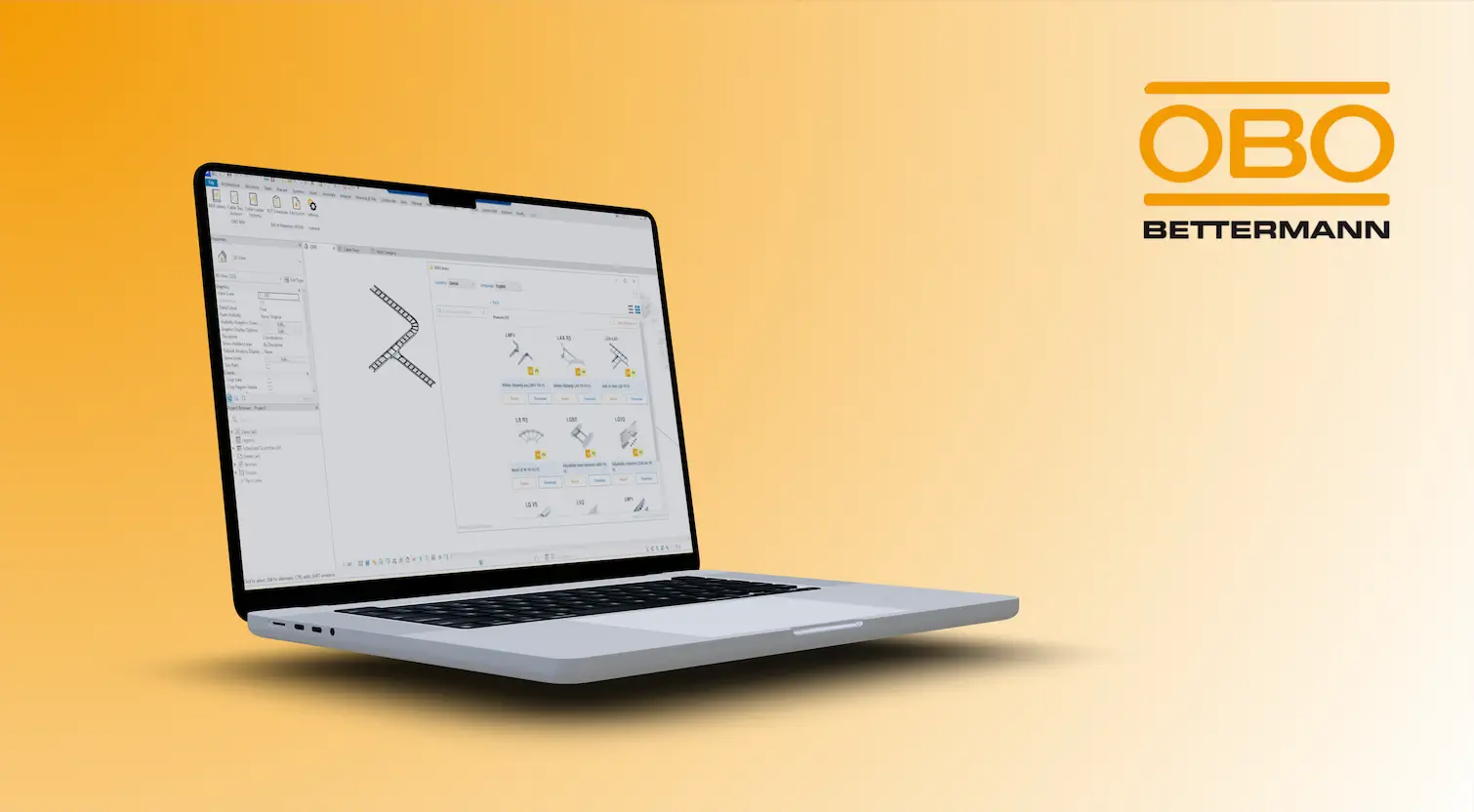
We have created a dedicated plugin for Revit which integrates directly with the manufacturer's BIM library. The user can select products through an intuitive interface (language, country, parameters). The plugin filters the data and allows you to insert the corresponding element directly into the model.
Automatic configuration of systems
When drawing cable routes, the plugin automatically selects and inserts the appropriate elements, such as connectors or tees. The system works contextually, eliminating the need for manual component matching. Such automation significantly speeds up the work of the designer.
Parametric Product Models
Instead of thousands of variants, we created flexible, parametric families. Changing a single parameter automatically updates all related properties (e.g. description, classifications). Thanks to this, one model can represent many products.
Optimizing RFA Families
We have restructured the structure of families, eliminating unnecessary formulas and dependencies. Models have become lighter and much faster in operation. Things that previously lasted minutes were shortened to fractions of a second.
Central configuration logic and clients independence
Instead of storing all combinations as separate files, we implemented configurator logic that dynamically generates the correct product variant based on the selected parameters. The solution gives OBO independence — employees can manage and configure data on their own, without the support of an external provider.
Automatic BOM generation
The plugin automatically creates material lists directly in Revit. Thanks to this improvement, it is possible for the designer to automatically generate PDF from Revit. The documents comply with company standards and contain the required data and branding, therefore the sales department does not have to engage in the creation of the BOM each time.
The improved OBO plugin really supports the work of designers.
Automatic BOM generation relieved the sales department.
The product configurator encourages designers to download the plugin.
.webp)
As Sagiton Automation, we help AEC companies implement dedicated Revit automation solutions! Go to the plugins subpage and learn more about the automation capabilities of Revit!
Revit Plugins
Choose the topic you are interested in to complete the form, and our specialist will contact you within 24 business hours.
Thank you for contacting us!